Connect your meeting tool
On app homepage you should see a diagram showing your DemoTime setup.
The first box shows what meeting tool(s) you have setup. E.g. Zoom, Meet or Teams.
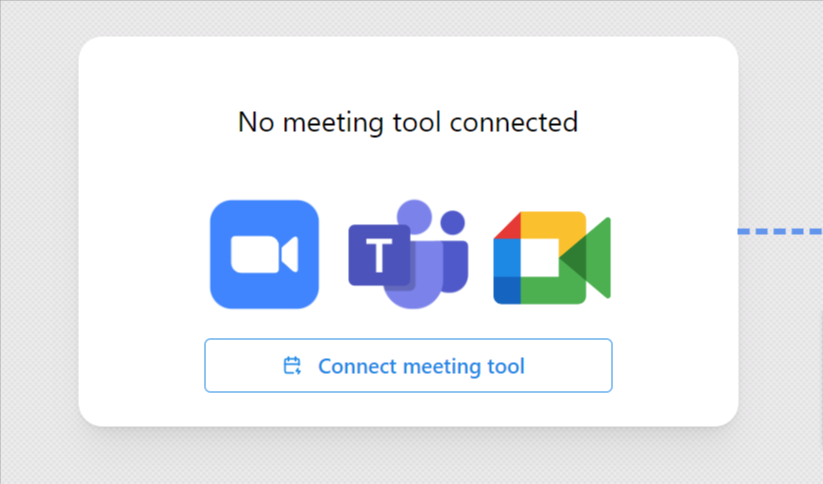
To get started simply click Connect meeting tool, choose the provider you use, and follow the instructions.
Once you're connected
Once you're connected successfully this should change to reflect that. For example if you connect Zoom it will show:
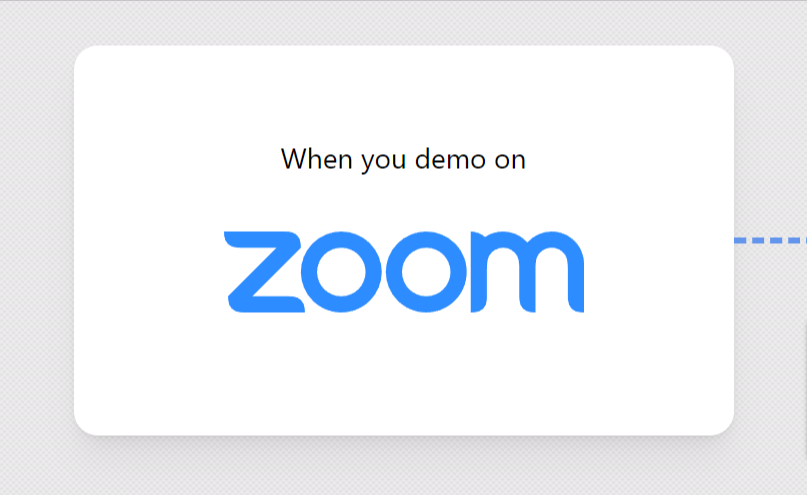
If you connect a provider and don't see this change, try refreshing. If you still don't see it please email us at hello@demotime.com .
Why we need this
Once you install DemoTime, your meeting provider will:
- Tell us basic info about the meetings (e.g. when a meeting starts, there's screen sharing, etc.)
- Give us access to the recording (we need the recording so we can edit it into highlight-reel videos)